Setup Discord
Setup Discord
To set up Discord linking, first, head over to the Discord Developer Portal.
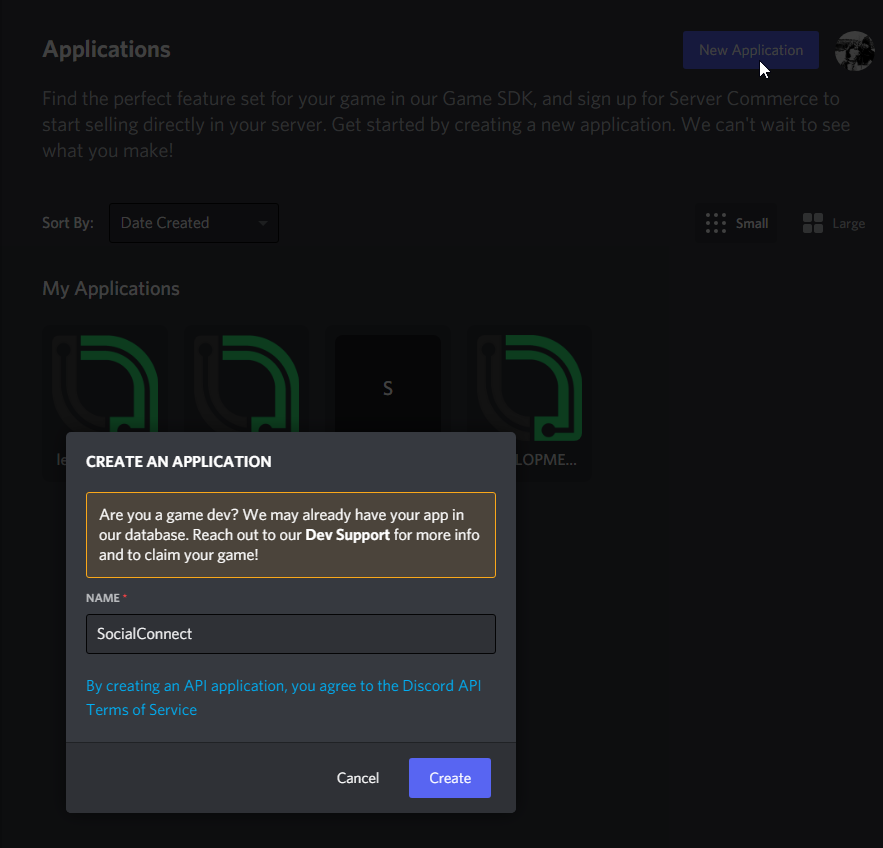
Create a new application
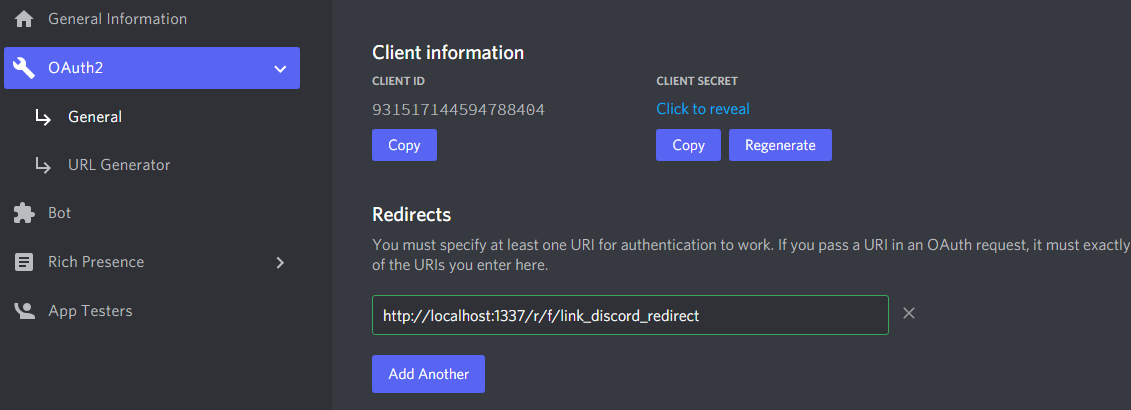
Head over to OAuth2 and add the redirect URl from SocialConnects settings
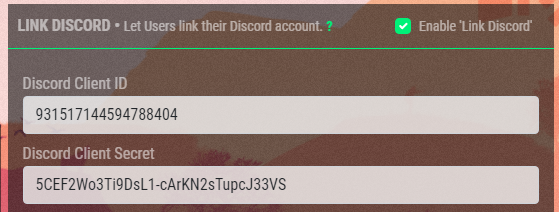
In SocialConnects settings, fill in the Client ID & Client Secret
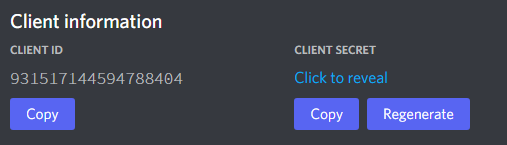
Now, in th Bot tab, click Add Bot and enable SERVERS MEMBERS INTENT
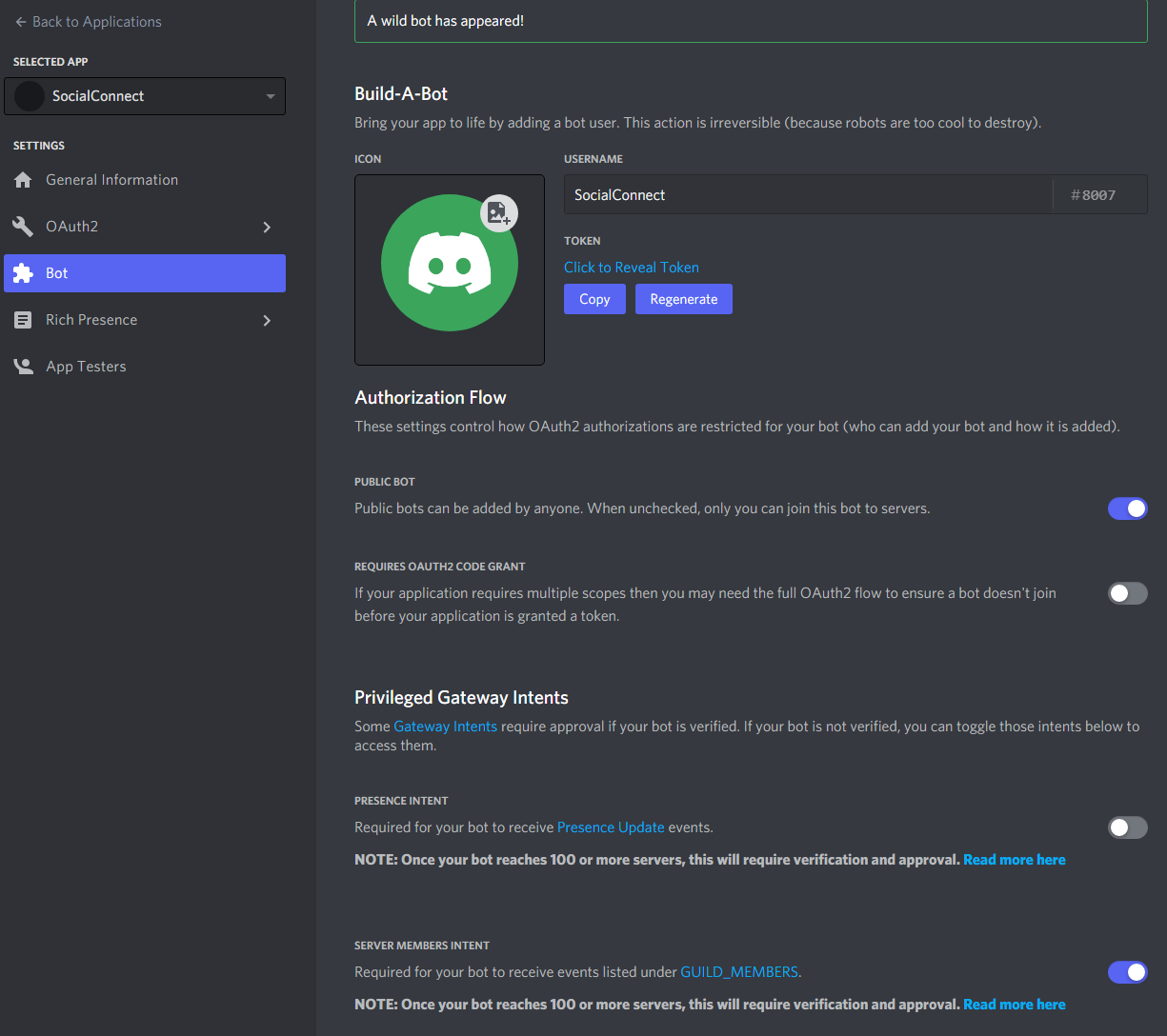
Copy the TOKEN and add is in SocialConnects settings

Add your Discord servers ID and a permanent Invite link
Invite the Bot to the server with Manage Roles permission
You can use this link, replace CLIENT_ID with the applications Client ID from step 3
https://discord.com/api/oauth2/authorize?client_id=CLIENT_ID&permissions=268435456&scope=bot
Yay! You're done here...
This is the minimal setup required for SocialConnect to work. Grant Roles? Head over to Grant Discord Roles if you want to give a user a Discord role upon linking his account & joining the server.