Setup Stripe
Setup Stripe
Start by navigating to the Stripe Dashboard
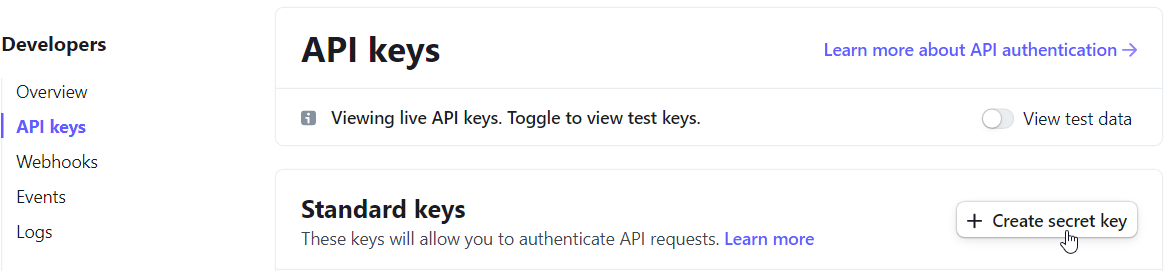
Head over to Dashboard > Developers

Create a new Secret Key
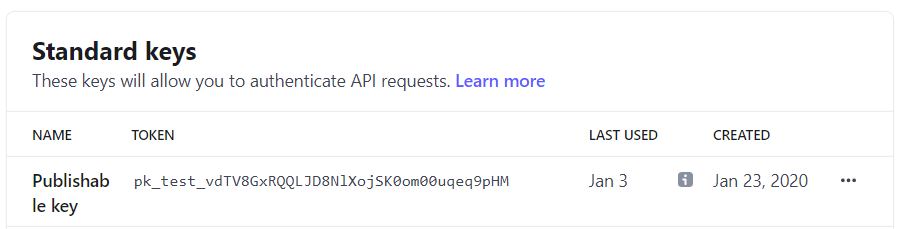
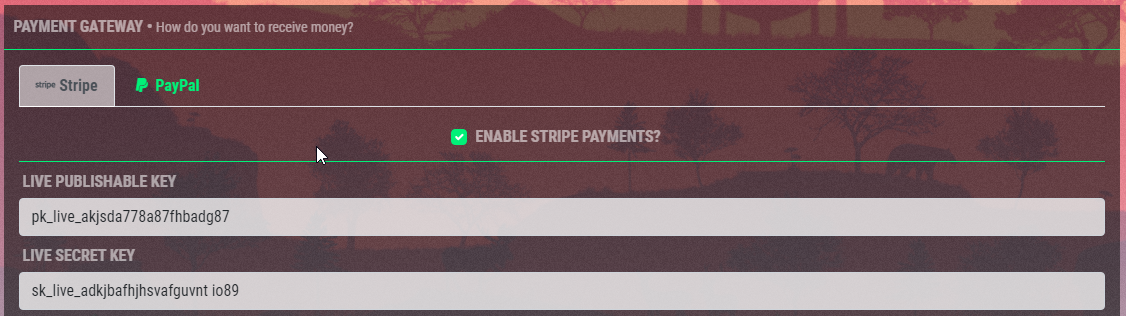
Add the newly created Secret Key & the Publishable Key to the stores payment settings
Navigate to the Webhooks tab and create a new endpoint

Copy the Webhook URL from the store settings and add it to Endpoint URL then click + Select events
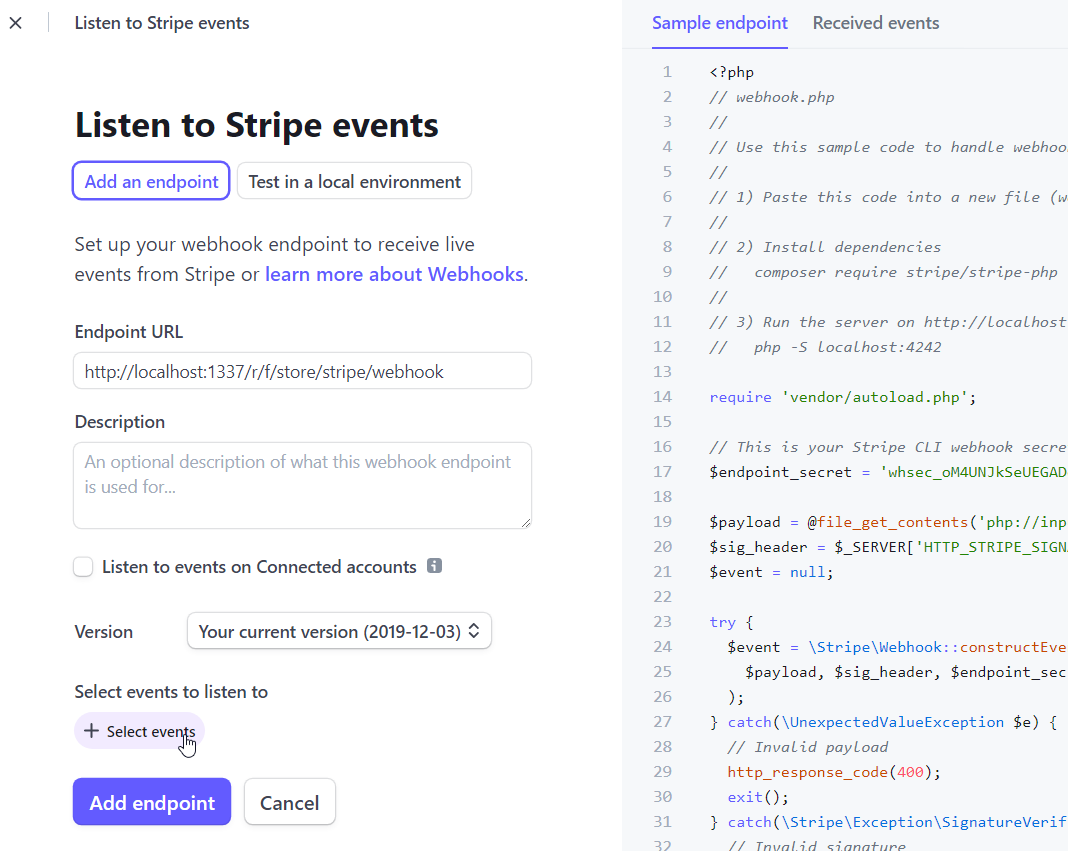
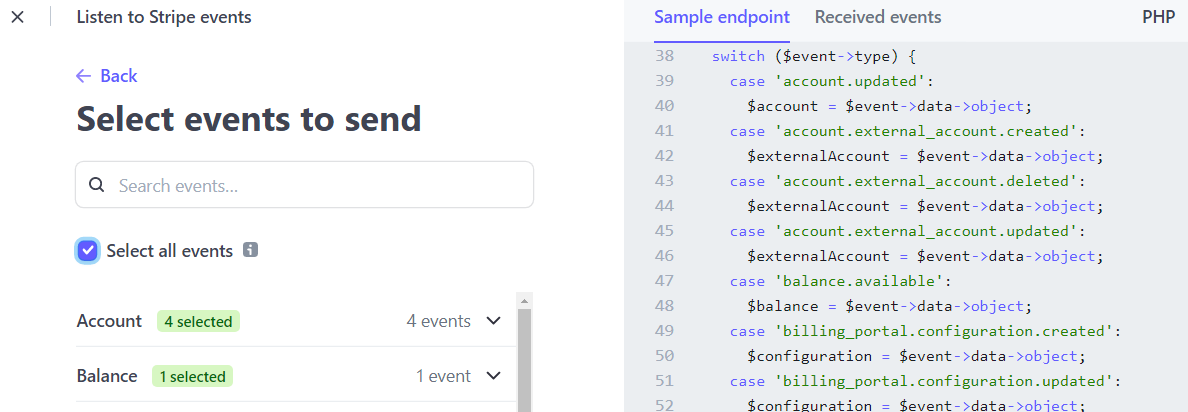
Check Slect all events then click on Add Endpoint
Click on Reveal and copy the Signing Secret to the store settings


Heads Up!
Browse through Stripes settings to enable the desired payment options. If you want to accept ApplePay read up here.
Yay! You're done.
Head over to next page to read up un how to set up servers!